AnswerTroubleshooting
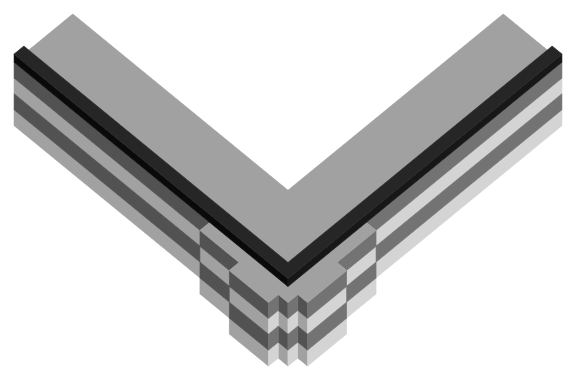
Why do corners bulge on my prints?
Pressure left in the nozzle keeps pushing plastic out as the head slows for the corner. Tune pressure advance: Klipper ships it at 0 and Marlin with it disabled.
AnswerTroubleshooting
Pressure left in the nozzle keeps pushing plastic out as the head slows for the corner. Tune pressure advance: Klipper ships it at 0 and Marlin with it disabled.
AnswerHardware
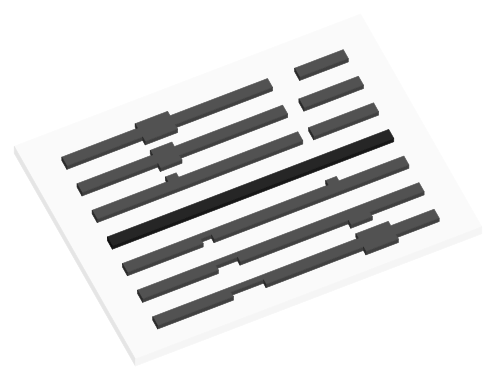
Bambu Studio calls it flow dynamics: Calibration tab > Flow Dynamics saves a K value on the printer. The 0.02 field in filament settings is for third-party printers.
AnswerHardware
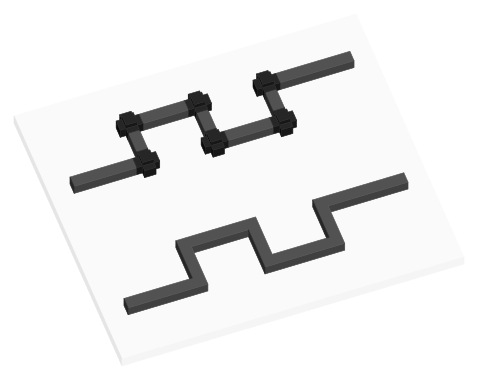
A Klipper [extruder] setting: the window, in seconds, over which pressure advance is averaged. Default 0.040 s, maximum 0.200 s; larger is smoother but blurs corners.
AnswerTroubleshooting
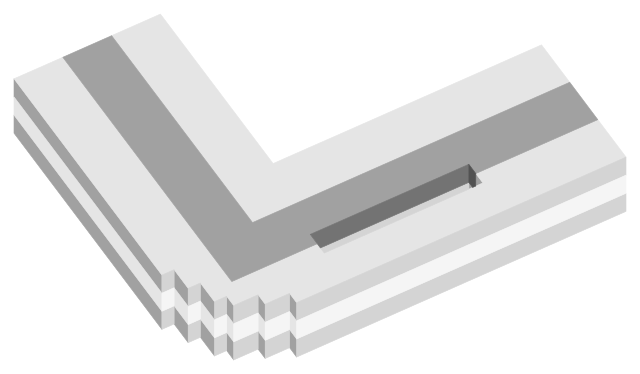
Rounded corners, lines that thin into a corner and gaps between perimeters mean pressure advance is too high: lower it. Over 0.200, Klipper's extruder may skip.
AnswerMaterials
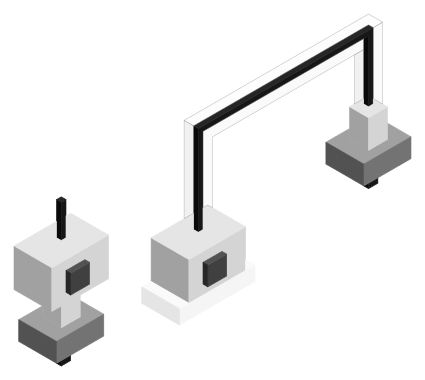
Shipped PLA profiles use 0.02 to 0.05 on direct-drive printers with a 0.4 mm nozzle (0.036 on a Prusa Core One) and 0.2 to 0.27 on a Bowden Prusa MINI.
AnswerHardware
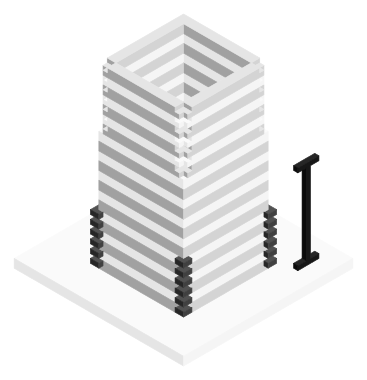
Pick the band, line or corner that prints most evenly. On a tower, value = start + height x step: OrcaSlicer's example is 0 + 8 mm x 0.002 = 0.016.
AnswerHardware
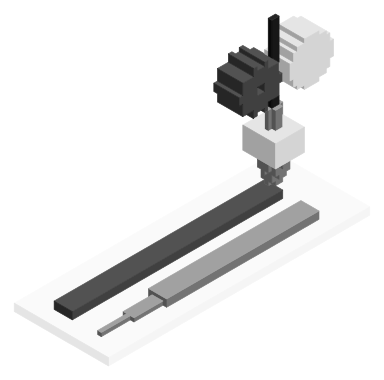
It runs the extruder ahead as the head speeds up, so lines keep full width. K sets how much: about 0.1 to 2.0 in Marlin, set with M900 K; M900 K0 turns it off.
AnswerHardware
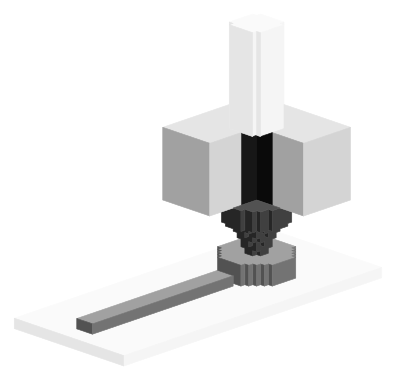
A firmware setting that pushes extra filament in as the head speeds up and pulls it back as it slows. Klipper ships it at 0 (off); typical values are 0.050 to 1.000.