AnswerHardware
How do you block supports in a specific area?
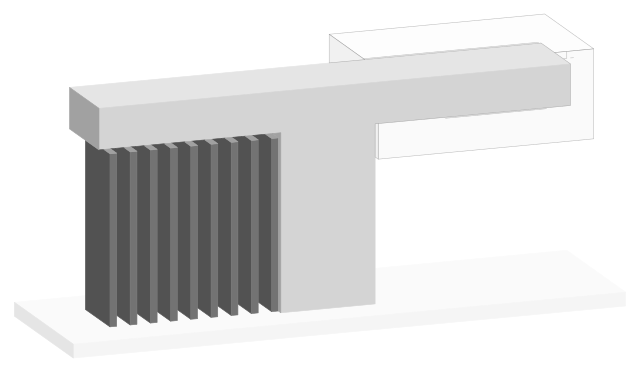
Put a support blocker on the overhang: Cura's Support Blocker tool (E), or right-click, Add support blocker in PrusaSlicer, Bambu Studio and OrcaSlicer, or paint it (L).
AnswerHardware
Put a support blocker on the overhang: Cura's Support Blocker tool (E), or right-click, Add support blocker in PrusaSlicer, Bambu Studio and OrcaSlicer, or paint it (L).
AnswerHardware
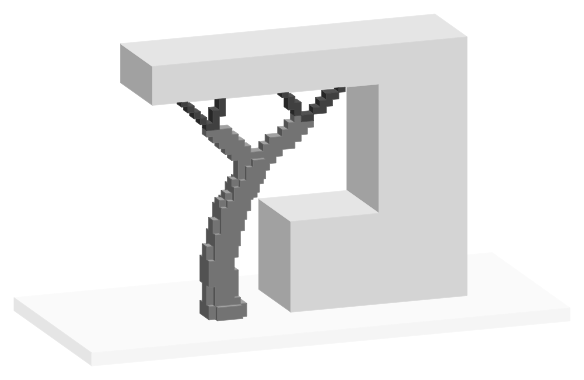
OrcaSlicer: Support tab, tick Enable support, Type Tree (auto). Bambu Studio: tree(auto). PrusaSlicer: Style Organic (since 2.6). Cura: Support Structure Tree.
AnswerTroubleshooting
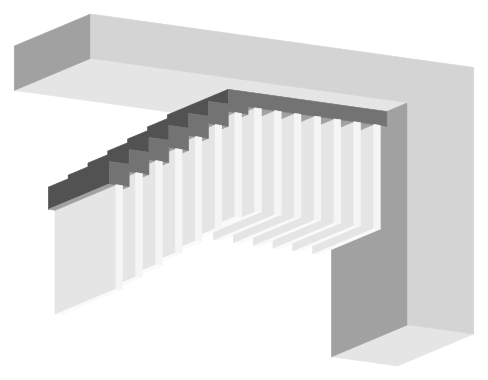
Let the print cool, tear the support out with pliers from a corner, peel the interface off and sand the scar. Bambu Lab says within 2 hours; wear safety glasses.
AnswerHardware
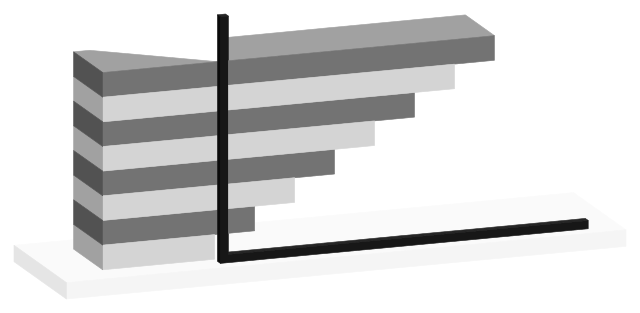
Past 45° from vertical, by the 45° rule. Bambu Studio's 30° and PrusaSlicer's 35° count from horizontal (60°, 55° from vertical); Cura's 50° counts from vertical.
AnswerMaterials
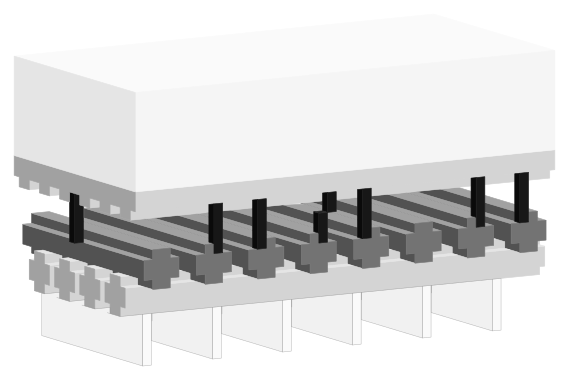
PETG bonds to itself, so its supports fuse across the default 0.2 mm gap. Raise Top Z distance 0.05 to 0.1 mm at a time, or print the interface in PLA at 0 mm.
AnswerHardware
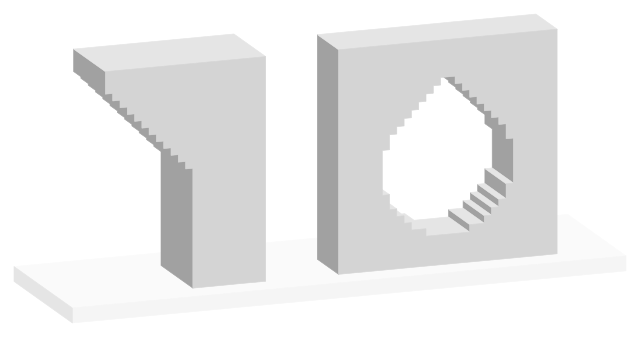
Yes: up to 45° by most design guides (Prusa says 45 to 60°) and across bridges of 5 to 10 mm. Past that, use chamfers, teardrop holes, splits or a new orientation.
AnswerTroubleshooting
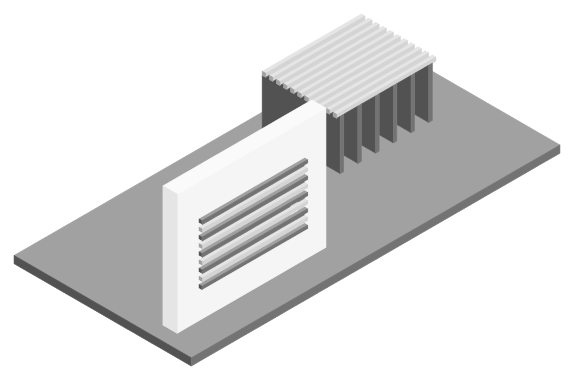
The underside is printed across a gap onto support interface lines and sags between them. Denser interface layers and a gap under the shipped 0.2 mm smooth it.
AnswerMaterials
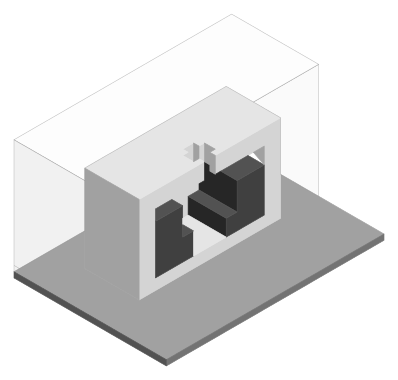
Load dry PVA as a second filament, make it the support filament and set top Z distance to 0. It dissolves in water in a few hours to overnight.
AnswerHardware
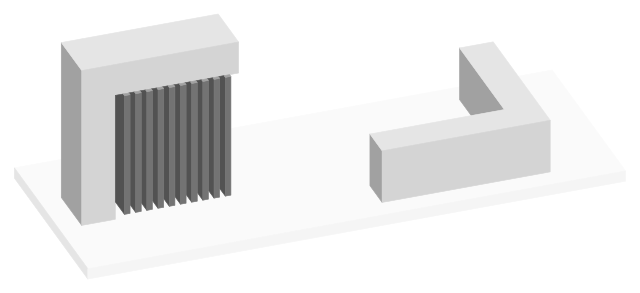
Lay the part on its largest flat face, then switch to tree supports: 1.87 g against 3.9 g for normal supports in one published Bambu Studio slice.
AnswerMaterials
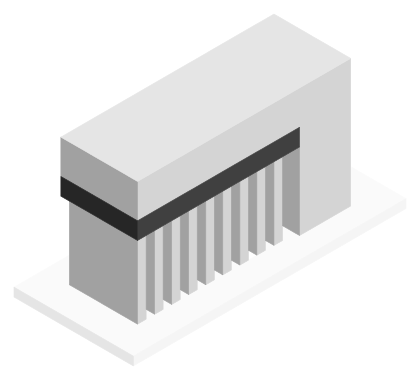
Print only the interface in a material that won't bond: PETG under PLA, PLA under PETG, ABS or ASA under nylon. Makers then allow a 0 mm top Z distance.
AnswerHardware
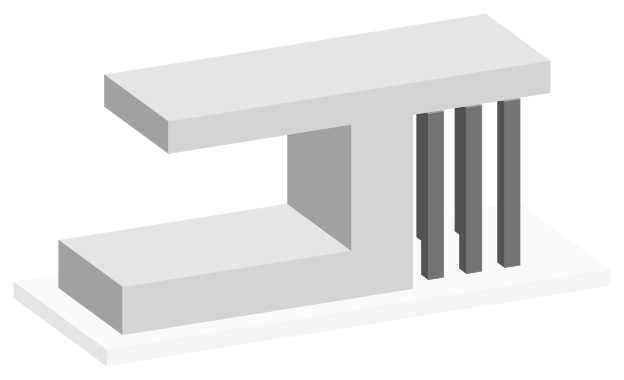
Supports may start only on the build plate, never on the model, so an overhang above another part of the print gets none. Every major slicer ships it off.
AnswerHardware
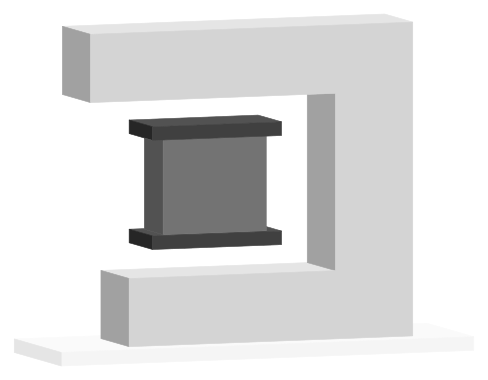
0.2 mm top and bottom at 0.2 mm layers, as Bambu Studio, OrcaSlicer and PrusaSlicer ship it; finer profiles go lower. Use 0 only with soluble or support filament.
AnswerTroubleshooting
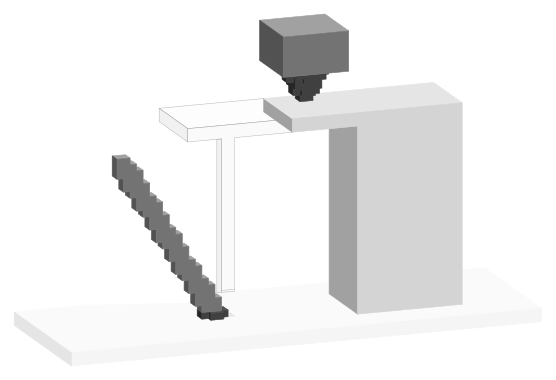
Tall, thin supports on a small foot get knocked loose. Widen the first layer (OrcaSlicer 2 mm, PrusaSlicer 3 mm by default), thicken branches, turn on Z hop.
AnswerMaterials
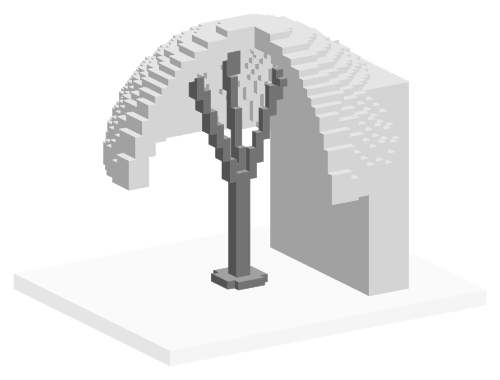
Yes, but supports printed in TPU tend to string, collapse and stick. Bambu Lab advises PLA supports at a 0 mm top Z gap; for TPU on TPU, Prusa widens it to 0.3 mm.
AnswerHardware
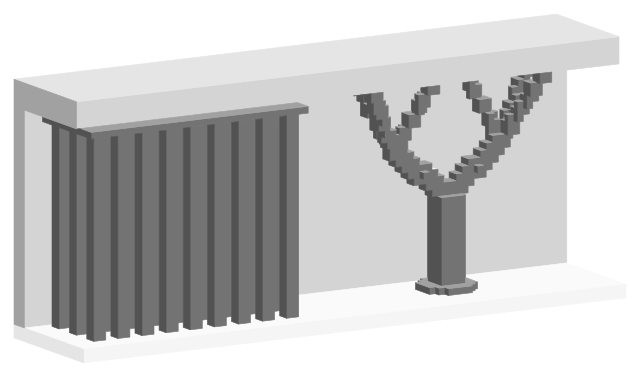
Normal supports fill the space under an overhang with straight columns; tree supports branch from a trunk and touch it at 0.8 mm tips, using less filament.
AnswerHardware
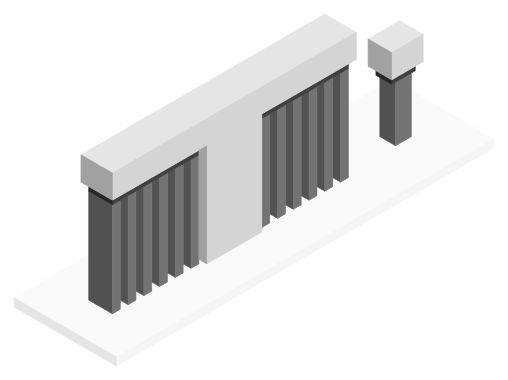
Temporary structures the slicer builds under steep overhangs, long bridges and mid-air islands. Off by default; Bambu Studio supports surfaces under 30° from horizontal.
AnswerHardware
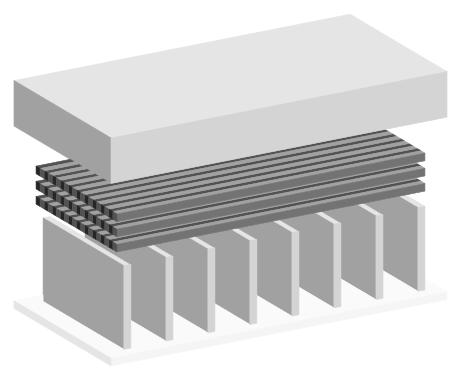
The dense layers between a support and the part. Bambu Studio ships 2 top and 2 bottom interface layers, PrusaSlicer 3 top; Cura's base profile leaves it off.
AnswerTroubleshooting
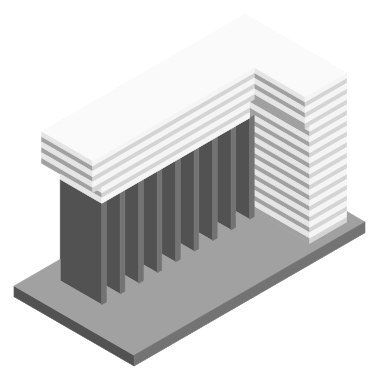
The support's top is too close to the part or too solid. Profiles ship a 0.2 mm Top Z distance; Bambu Lab says 0 makes same-filament supports really hard to remove.