GuideTroubleshooting
Are 3D prints waterproof? How to make a print watertight
Prints leak by default. Prusa Research's fix: 4 to 6 perimeters, 105 to 110 percent flow, 0.15 mm layers, one vase-mode wall, and epoxy for parts that must stay sealed.
GuideTroubleshooting
Prints leak by default. Prusa Research's fix: 4 to 6 perimeters, 105 to 110 percent flow, 0.15 mm layers, one vase-mode wall, and epoxy for parts that must stay sealed.
AnswerHardware
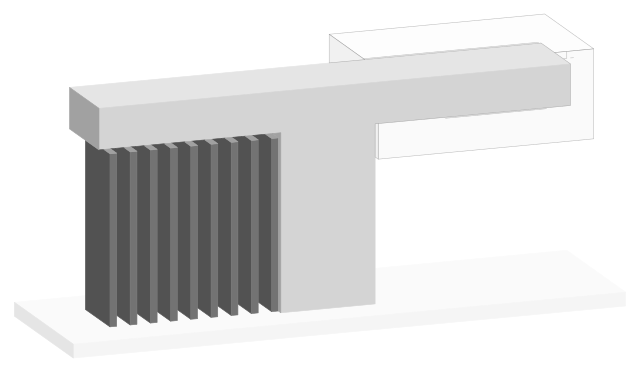
Put a support blocker on the overhang: Cura's Support Blocker tool (E), or right-click, Add support blocker in PrusaSlicer, Bambu Studio and OrcaSlicer, or paint it (L).
AnswerHardware
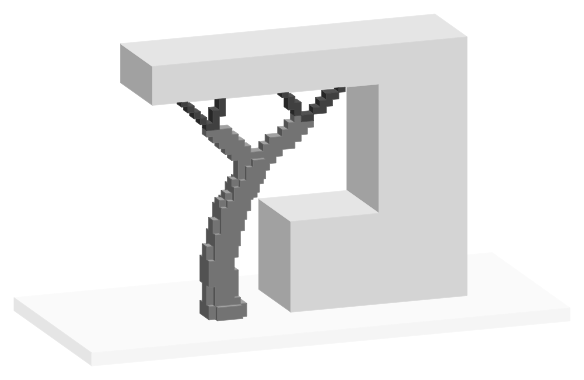
OrcaSlicer: Support tab, tick Enable support, Type Tree (auto). Bambu Studio: tree(auto). PrusaSlicer: Style Organic (since 2.6). Cura: Support Structure Tree.
AnswerHardware
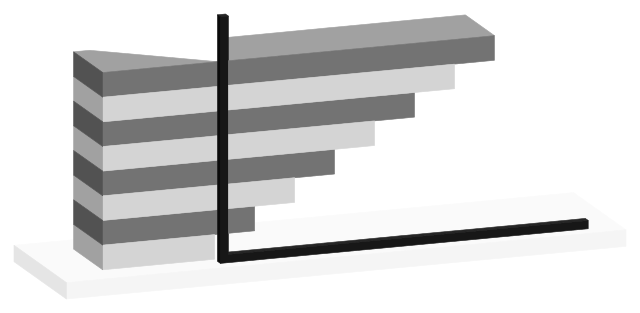
Past 45° from vertical, by the 45° rule. Bambu Studio's 30° and PrusaSlicer's 35° count from horizontal (60°, 55° from vertical); Cura's 50° counts from vertical.
AnswerTroubleshooting
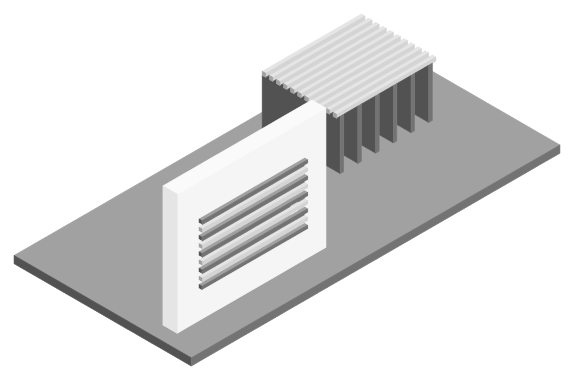
The underside is printed across a gap onto support interface lines and sags between them. Denser interface layers and a gap under the shipped 0.2 mm smooth it.
AnswerHardware
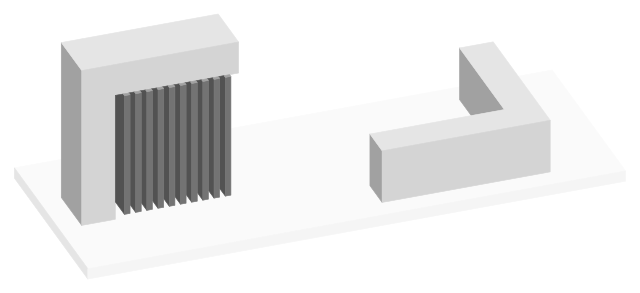
Lay the part on its largest flat face, then switch to tree supports: 1.87 g against 3.9 g for normal supports in one published Bambu Studio slice.
AnswerHardware
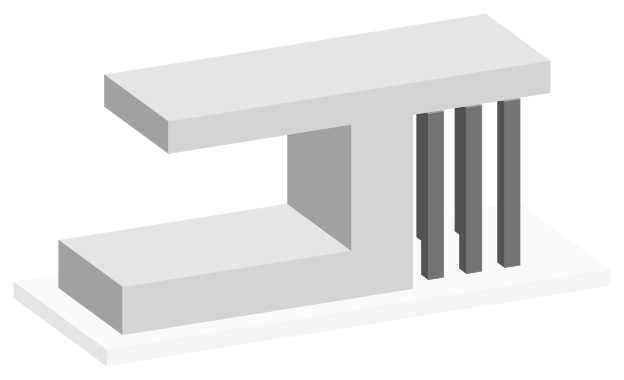
Supports may start only on the build plate, never on the model, so an overhang above another part of the print gets none. Every major slicer ships it off.
AnswerHardware
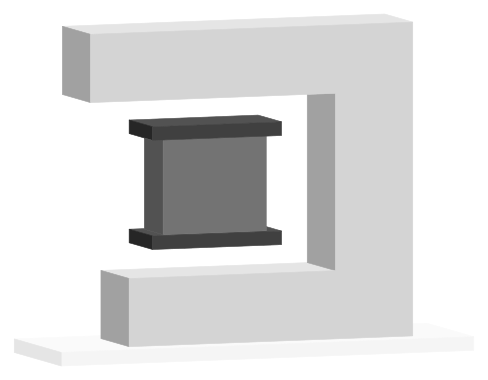
0.2 mm top and bottom at 0.2 mm layers, as Bambu Studio, OrcaSlicer and PrusaSlicer ship it; finer profiles go lower. Use 0 only with soluble or support filament.
AnswerTroubleshooting
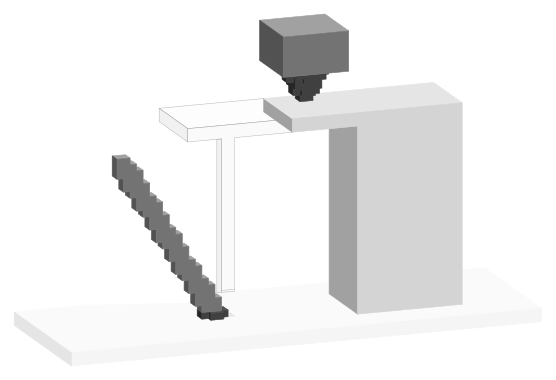
Tall, thin supports on a small foot get knocked loose. Widen the first layer (OrcaSlicer 2 mm, PrusaSlicer 3 mm by default), thicken branches, turn on Z hop.
AnswerHardware
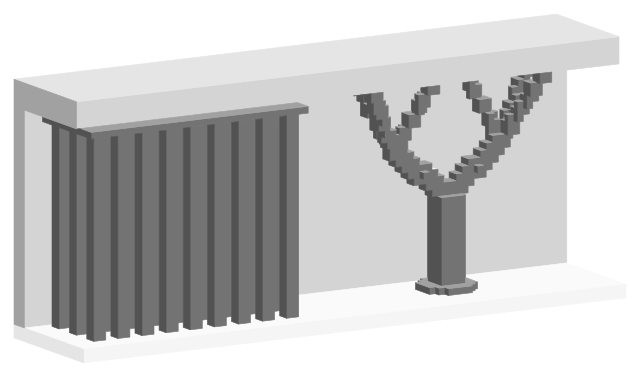
Normal supports fill the space under an overhang with straight columns; tree supports branch from a trunk and touch it at 0.8 mm tips, using less filament.
AnswerHardware
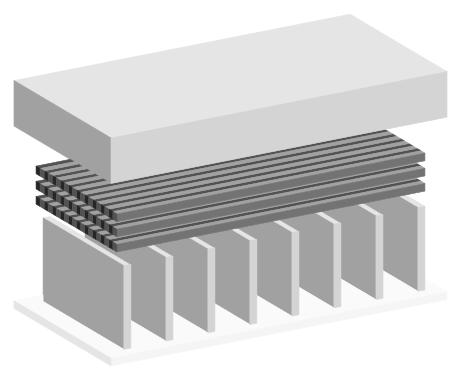
The dense layers between a support and the part. Bambu Studio ships 2 top and 2 bottom interface layers, PrusaSlicer 3 top; Cura's base profile leaves it off.
AnswerTroubleshooting
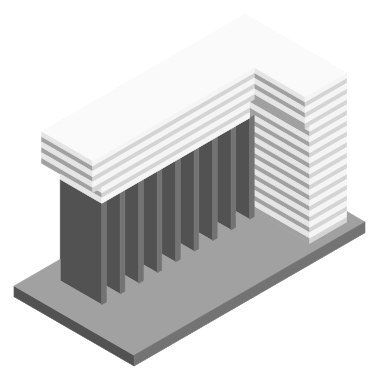
The support's top is too close to the part or too solid. Profiles ship a 0.2 mm Top Z distance; Bambu Lab says 0 makes same-filament supports really hard to remove.
AnswerMaterials
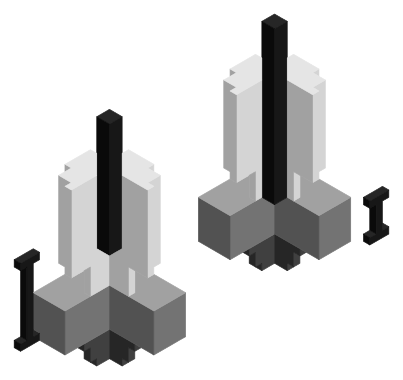
Your printer's own: shipped ABS and ASA profiles use 0.7 to 0.8 mm on direct-drive Prusa and Bambu printers (0.4 mm for Bambu ABS) and 2.5 to 6.5 mm on Bowden.
AnswerHardware
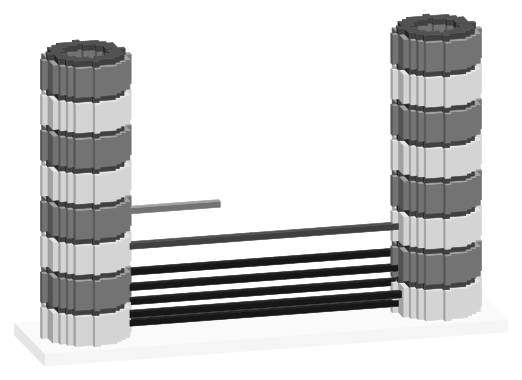
Print a retraction tower (OrcaSlicer tests 0 to 2 mm in 0.1 mm steps, a new length every 1 mm of height) and keep the shortest length whose band prints clean.
AnswerTroubleshooting
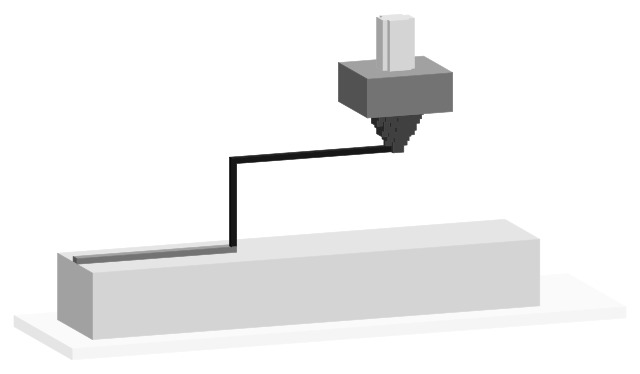
Yes. Prusa says a lower Lift Z improves stringing. Keep the hop low (Bambu Studio ships 0.4 mm) and lift on a slope, spiral or ramp instead of straight up.
AnswerHardware
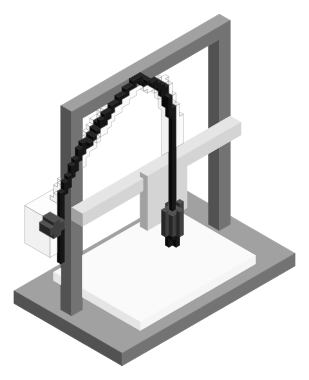
Bowden Ender-3, Pro and V2: 4 to 6.5 mm (Cura gives the Ender-3 and V2 5 mm at 45 mm/s). Direct-drive S1, S1 Pro, V3 SE and V3 KE: 0.5 to 1.2 mm.
AnswerMaterials
Shipped PETG profiles retract 0.4 to 1 mm at 30 to 45 mm/s on direct-drive printers and 2.5 to 8 mm on Bowden printers, close to each printer's PLA values.
AnswerMaterials
Shipped PLA profiles retract 0.4 to 0.8 mm at 30 to 50 mm/s on direct-drive printers and 2.5 to 6.5 mm at 45 to 70 mm/s on Bowden printers.
AnswerHardware
Direct drive: 0.7 to 0.8 mm, as Bambu Lab, Prusa and Creality profiles ship. Bowden: 2.5 to 6.5 mm (Prusa MINI 2.5 to 3.2 mm, UltiMaker S5 6.5 mm).
AnswerTroubleshooting
Soft filament is pulled up into the heatbreak and jams, the gear grinds it, and lines restart with gaps. Bambu Lab and Prusa's MK3S cap it at 2 mm.
AnswerHardware
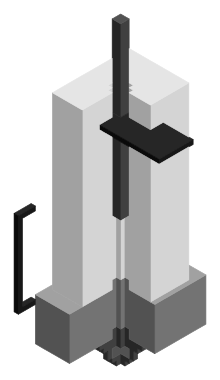
How far Bambu Studio and OrcaSlicer pull filament back before the cutter cuts it at a filament change: 18 mm by default, and the field only accepts 10 to 18 mm.
AnswerHardware
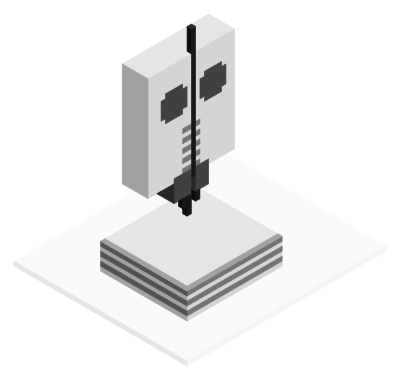
Printer settings > Extruder > Retraction: Bambu Lab profiles ship 0.8 mm length and 0.4 mm Z hop. Per filament: Filament settings > Setting Overrides, which wins.
AnswerHardware
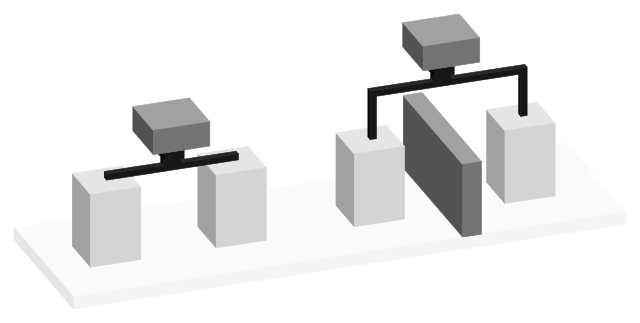
Print settings panel, Show Custom, Travel category. Most fields are hidden: search "retract". Cura's base Retraction Distance is 6.5 mm at 25 mm/s.
AnswerHardware
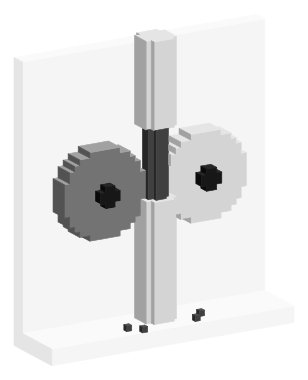
Use your profile's value: 30 mm/s on Bambu Lab printers, 35 to 45 mm/s on Prusa's direct-drive printers, 70 mm/s on the Bowden Prusa MINI, 25 mm/s in Cura.
AnswerMaterials
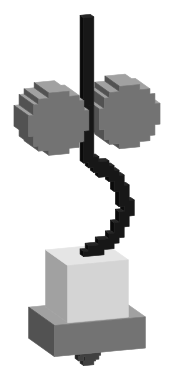
Start from your slicer's TPU profile: 0.4 mm on Bambu Lab X1 Carbon, P1S and A1, 2.5 mm on Prusa MK4S and CORE One, off on the MK3S, 3 to 8 mm on Bowden printers.
AnswerHardware
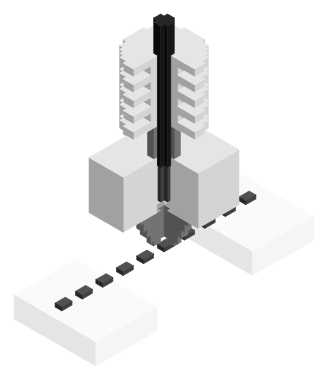
Pulling filament back before a travel move so the nozzle stops oozing: 0.8 mm at 30 mm/s in Bambu Studio's X1 Carbon profile, 3.2 mm at 70 mm/s on a Bowden Prusa MINI.
AnswerHardware
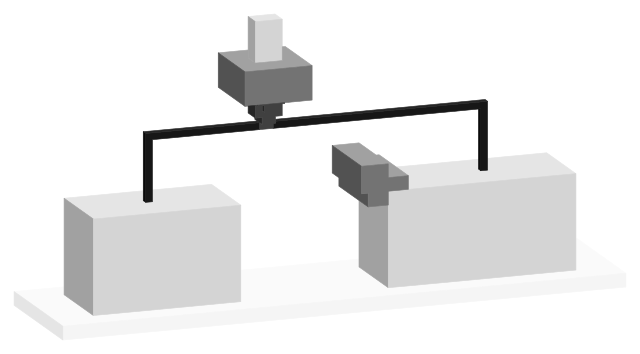
Z hop lifts the nozzle after a retraction so travel moves clear the print. Bambu Studio ships it on at 0.4 mm; UltiMaker Cura ships it off, set to 1 mm.
AnswerTroubleshooting
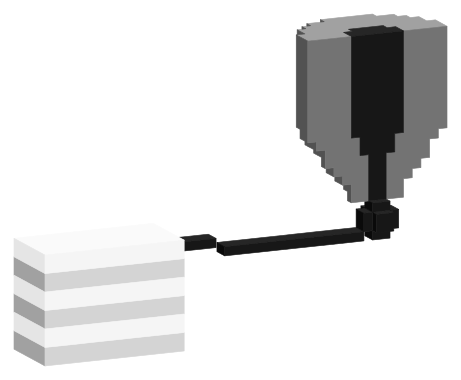
Stringing is plastic leaking from the nozzle on travel moves. Check a wet spool first, then heat (UltiMaker: 5 °C lower per print), retraction and long travels.
AnswerHardware
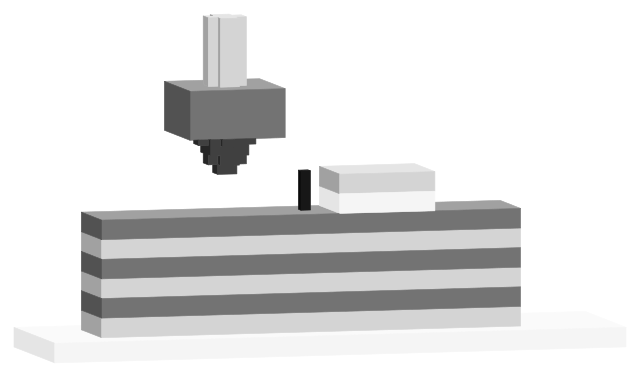
0.2 to 0.4 mm on a 0.4 mm nozzle. Bambu Studio and OrcaSlicer ship 0.4 mm, PrusaSlicer 0.4 mm on the Prusa MK3S and 0.2 mm on the MINI, Cura's Creality profiles 0.2 mm.
AnswerHardware
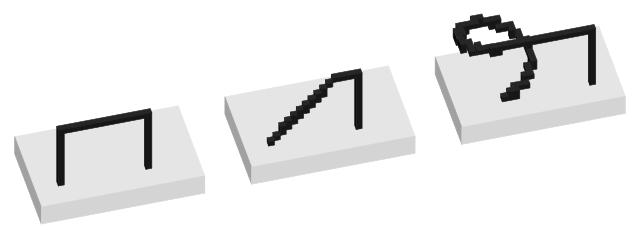
Keep your profile's type: Bambu Lab printer profiles ship Auto, which picks Slope or Spiral per travel. OrcaSlicer's own default is Slope at a 3° Traveling angle.
AnswerTroubleshooting
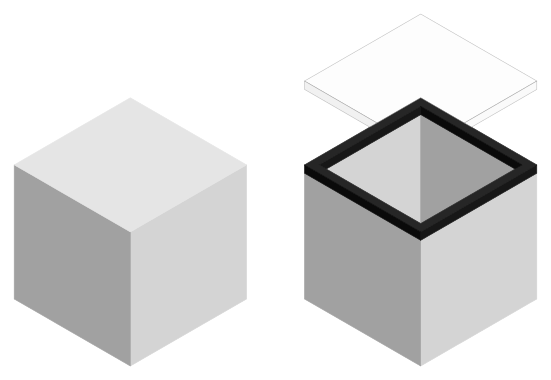
Watertight means a closed mesh: no holes, every edge shared by exactly two faces and every face pointing outward, so the slicer can tell inside from outside.
AnswerTroubleshooting
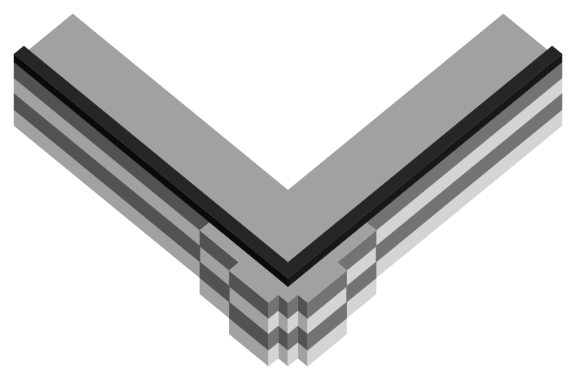
Pressure left in the nozzle keeps pushing plastic out as the head slows for the corner. Tune pressure advance: Klipper ships it at 0 and Marlin with it disabled.
AnswerTroubleshooting
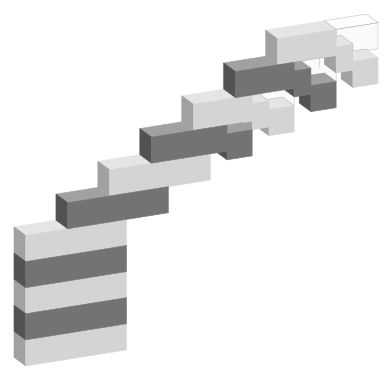
Each overhang layer rests partly on air; past about 45° from vertical, soft plastic sags before it cools. Fix: full fan, slower overhangs, a cooler nozzle.
AnswerMaterials
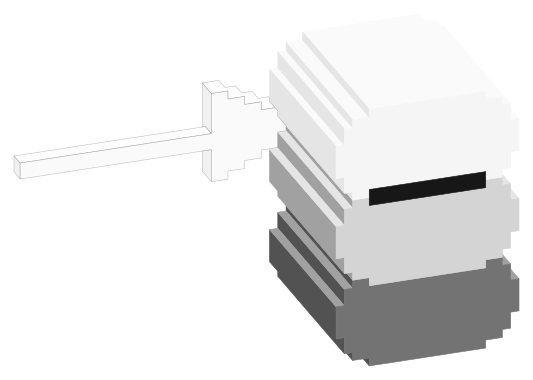
A moderate fan, about 20 to 60%, not PLA's 100%. Prusa's PETG profile runs 30 to 50%, Bambu's 20 to 40%; both keep it off for 3 layers, more for bridges.
AnswerMaterials
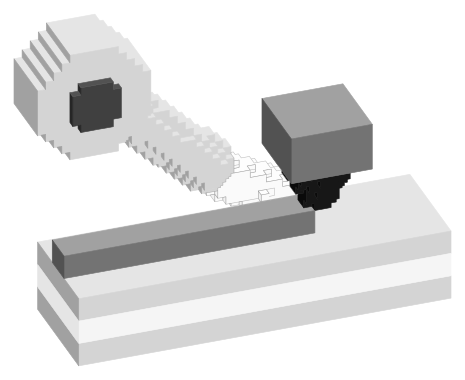
Run PLA's part cooling fan at 100%, off on the first layer for bed adhesion. Prusament's data sheet says 100%; some printer profiles start at 50 to 85% and ramp up.
AnswerHardware
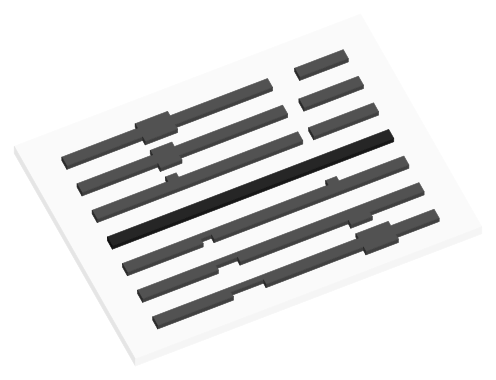
Bambu Studio calls it flow dynamics: Calibration tab > Flow Dynamics saves a K value on the printer. The 0.02 field in filament settings is for third-party printers.
AnswerTroubleshooting
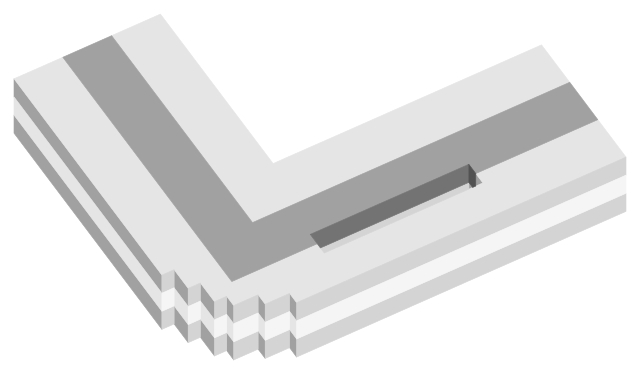
Rounded corners, lines that thin into a corner and gaps between perimeters mean pressure advance is too high: lower it. Over 0.200, Klipper's extruder may skip.
AnswerMaterials
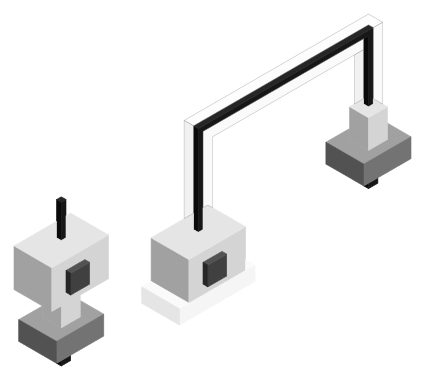
Shipped PLA profiles use 0.02 to 0.05 on direct-drive printers with a 0.4 mm nozzle (0.036 on a Prusa Core One) and 0.2 to 0.27 on a Bowden Prusa MINI.
AnswerHardware
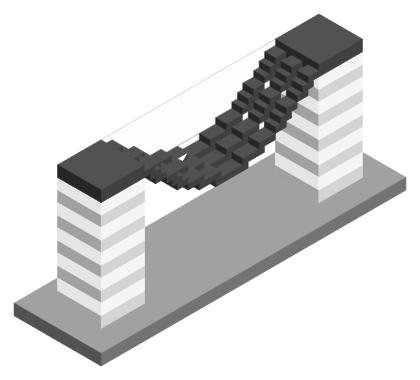
Yes for ABS, ASA, PC and nylon: profiles run the part fan off or at 10 to 20% on long layers. PLA needs it for bridges and overhangs. Never turn off the hotend fan.
AnswerHardware
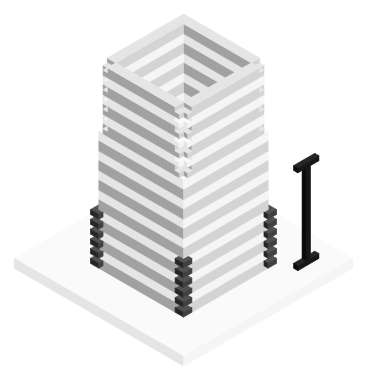
Pick the band, line or corner that prints most evenly. On a tower, value = start + height x step: OrcaSlicer's example is 0 + 8 mm x 0.002 = 0.016.
AnswerTroubleshooting
Small layers print in seconds, so the next lands before the last one cools. Set a minimum layer time (4 to 12 s in stock PLA profiles) and keep the fan at max.
AnswerHardware
It cools plastic leaving the nozzle so it sets before the next line lands, making bridges, overhangs and fine tips work. Base PLA profiles run it at 100% after layer 1.
AnswerHardware
A firmware setting that pushes extra filament in as the head speeds up and pulls it back as it slows. Klipper ships it at 0 (off); typical values are 0.050 to 1.000.
AnswerTroubleshooting
Once the spool is dry, stringing comes from settings: Prusa says lower the nozzle 5 to 10 °C, Bambu Lab adds retraction up to 2 mm and shorter travel.
AnswerHardware
Usually not. Prusa puts its steel sheet about 5 to 10 °C below the heatbed sensor, and a thermal camera read 56 °C on a Prusa i3 MK3 bed set to 60 °C.
AnswerMaterials
Bambu Lab sets PLA at 45 to 65 °C on PEI, PETG 60 to 80 °C, ABS and ASA 90 to 100 °C, PC and nylon 100 to 120 °C. Fiber-filled grades match their base plastic.
AnswerHardware
Bed temperature sits in the filament preset, one row per plate type. Bambu Studio's PLA Basic profile runs 55 °C on Textured PEI on X1 and P1S, 65 °C on the A1.
AnswerTroubleshooting
A blockage makes the motor skip steps. Check for a nozzle clog, then first layer height, heat creep, speed (8 to 12 mm³/s on an all-metal hotend) and the gears.
AnswerMaterials
Take the bed range from the data sheet's recommended print settings, for your plate (Prusament PLA: 40 to 60 °C). Raise 5 to 10 °C if the first layer won't stick.
AnswerTroubleshooting
Most slicer defaults use one bed temperature for all layers. PrusaSlicer starts PETG at 85 °C then 90 °C; OrcaSlicer starts ABS at 105 °C then 100 °C.
AnswerTroubleshooting
Clear the jam at 250 °C, cold pull from 220 to 100 °C, then cut the heat: hotend fan always on, door open for PLA on a 45 °C+ bed, retraction 2 mm or less.
AnswerHardware
Not by itself. Hardened steel conducts heat about a fifth as well as brass, so Prusa adds about 5 °C and Slice Engineering 5 to 10 °C to keep the melt hot enough.
AnswerTroubleshooting
Repeat clogs are usually heat creep: Prusa flags rooms above 35 °C and enclosed PLA. Wet or dirty filament, printing too cold and long retractions cause the rest.
AnswerTroubleshooting
PETG residue stays in the hotend when PLA goes in at 190 to 230 °C. Load the PLA at the PETG temperature, 230 to 260 °C, so it pushes the old plastic out.
AnswerMaterials
Use 55 to 60 °C on smooth or textured PEI and 35 °C on a Bambu Cool Plate. Maker guidance spans 25 to 65 °C across Basic, Matte, Silk, PLA+ and PLA-CF.
AnswerMaterials
It keeps the first layers stuck and stops them shrinking off the plate. Polymaker sets it just under the glass transition: PLA at 25 to 60 °C against a 61 °C Tg.
AnswerHardware
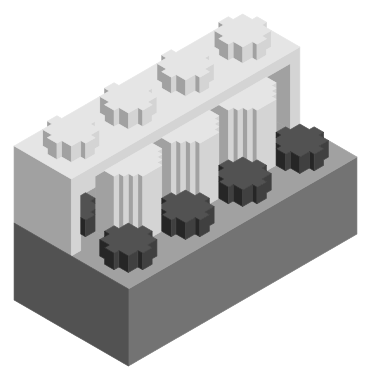
Yes, for personal use. The brick patent expired in 1978, but LEGO molds to 1/200 mm and Prusa quotes 0.3 mm XY, so tune XY compensation on a test brick first.
AnswerHardware
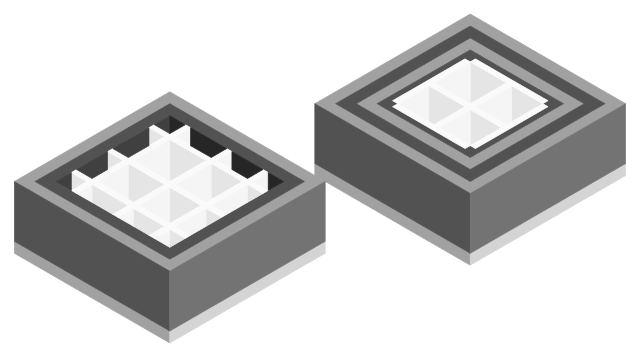
Seven steps from broken part to fitted print: check it is legal, find a model, measure to 0.01 mm, add 0.15 to 0.40 mm clearance, pick a filament, orient it, test-fit.
AnswerTroubleshooting
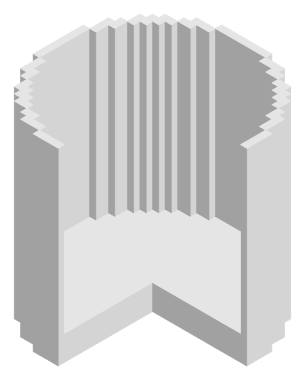
A vase-mode wall is one line thick, so any gap leaks. Fix: 105 to 110 percent flow, a 0.6 mm outer wall, 5+ bottom layers, or coat the inside or add a liner.
AnswerMaterials
Nylon data sheets put the nozzle at 250 to 300 °C: copolymers start lowest, PA6, PA12 and fiber-filled grades run 260 to 290 °C. Ranges, beds and drying by type.
AnswerTroubleshooting
Four perimeters held water in PLA and PETG in Prusa's tests, two in ABS and PP, and one vase-mode wall in every material. Flow and layer height matter too.